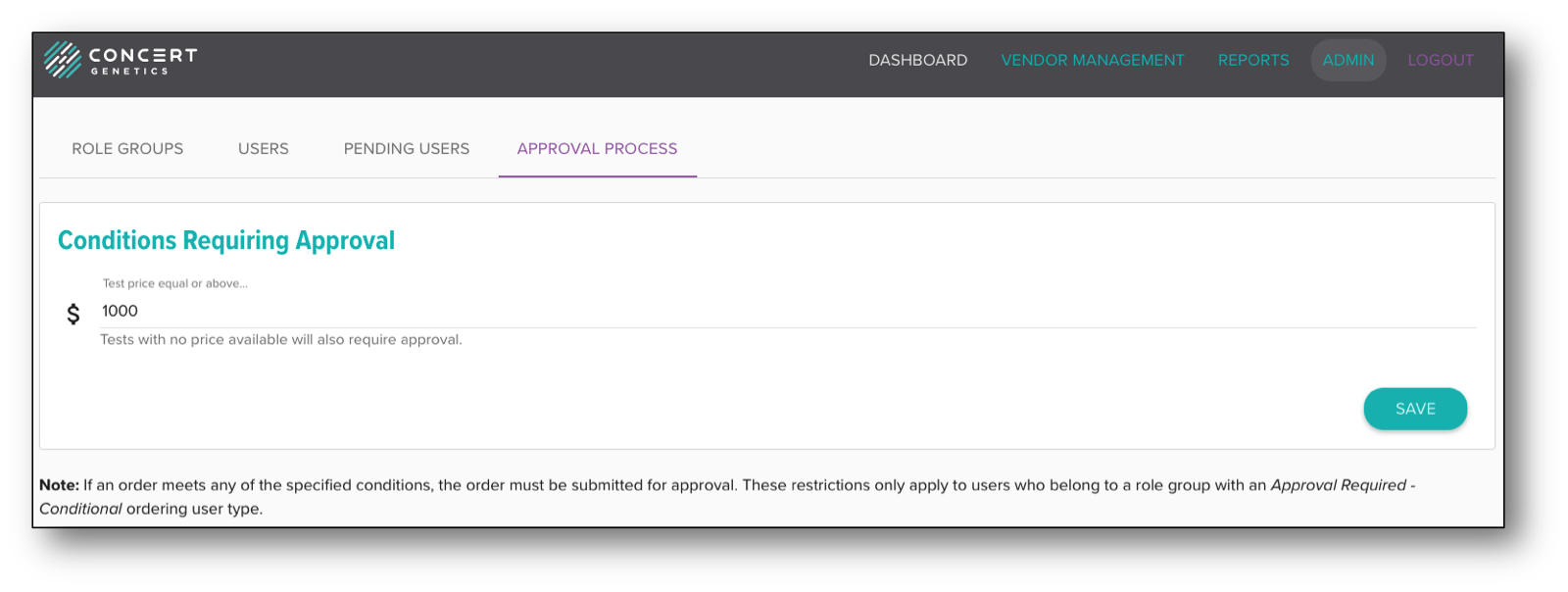
Approval Process
For institutions wishing to incorporate the approval process into your ordering workflow, there are three steps you must take.
Step 1 - Modify Ordering User Type in Role Groups: There are two user types that designate approval is required (Approval Required - Conditional and Approval Required - All). Conditional approval means that users will only have to submit tests for review that exceed the threshold set in the "Approval Process" tab, while "All" will mean all tests must be submitted for approval.
Step 2 - Modify Permissions in Role Groups: The next step is creating a role group that has the permission to approve orders. This permission will be designated by checking the "Approve Orders" box.
Step 3 - Update Conditions Requiring Approval: Set a test price that you wish to set as your price threshold. When role group permissions are set to Approval Required - Conditional, any tests under the price set will be able to be ordered in the platform while any tests above the price threshold will require approval before being ordered.