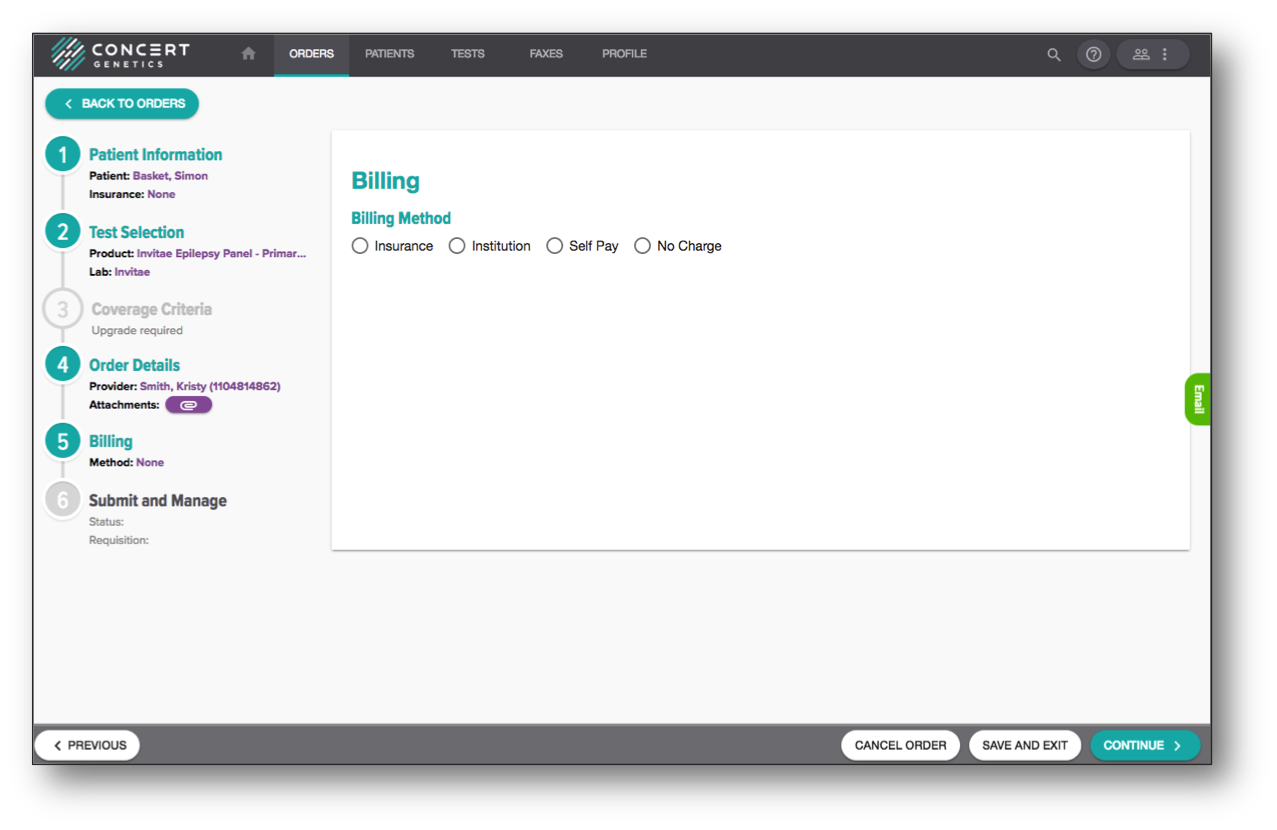
Billing
Select the appropriate billing method.
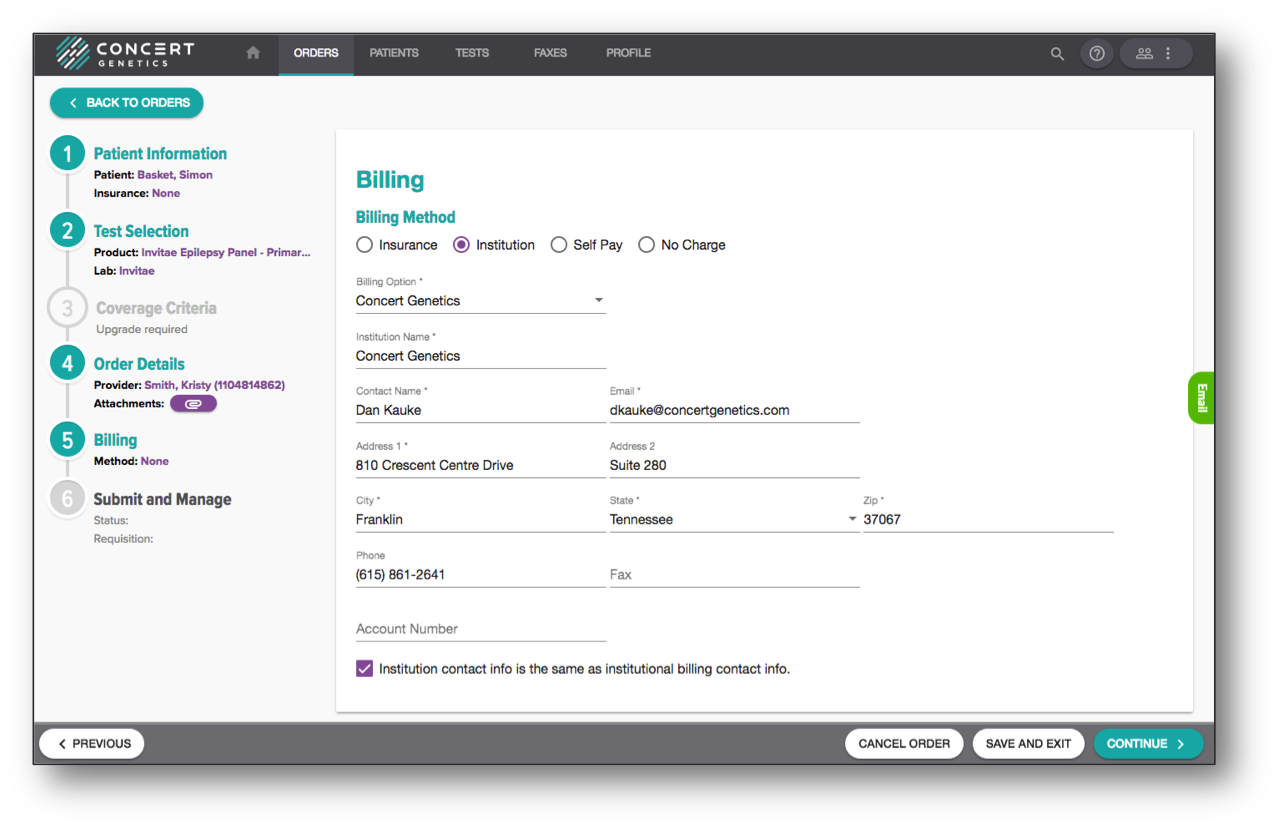
For institution billing, your Concert Platform administrator will complete this information as part of the account setup process, and it will automatically populate when selected. The Account Number field applies to any account numbers you have with reference labs, and will change automatically depending on which lab you order from.
If institutions maintain multiple institution billing accounts, users can select from a list by clicking the dropdown under the 'Billing Option' and selecting from the appropriate institution.
To select institution bill, click the 'Continue' button.
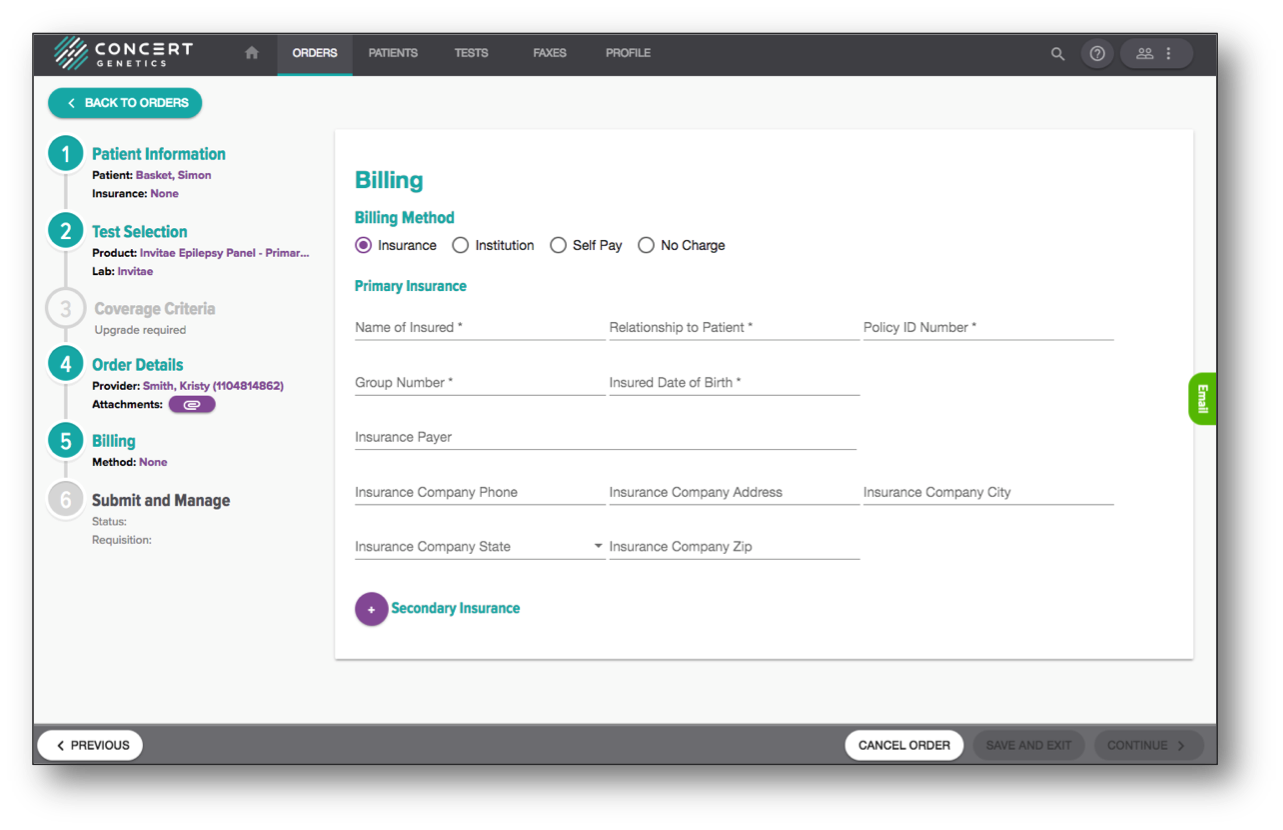
For insurance billing, users have two options. First, if you usually complete all requested insurance information on the requisition, you can fill out the fields and the data will automatically populate on the requisition. You can populate information for both primary and secondary insurances, if applicable. If your normal workflow doesn't involve filling out the insurance information and you simply include a copy of the front and back of the insurance card, you can leave the fields blank and just click 'Continue.'
Please note if patient contact information is required as part of the insurance submission, you can complete that information on the 'Patient' step.
For Self Pay, the platform doesn't collect or process credit card information, so you should select Self Pay, click 'Continue' and complete the requested information on the printed requisition.
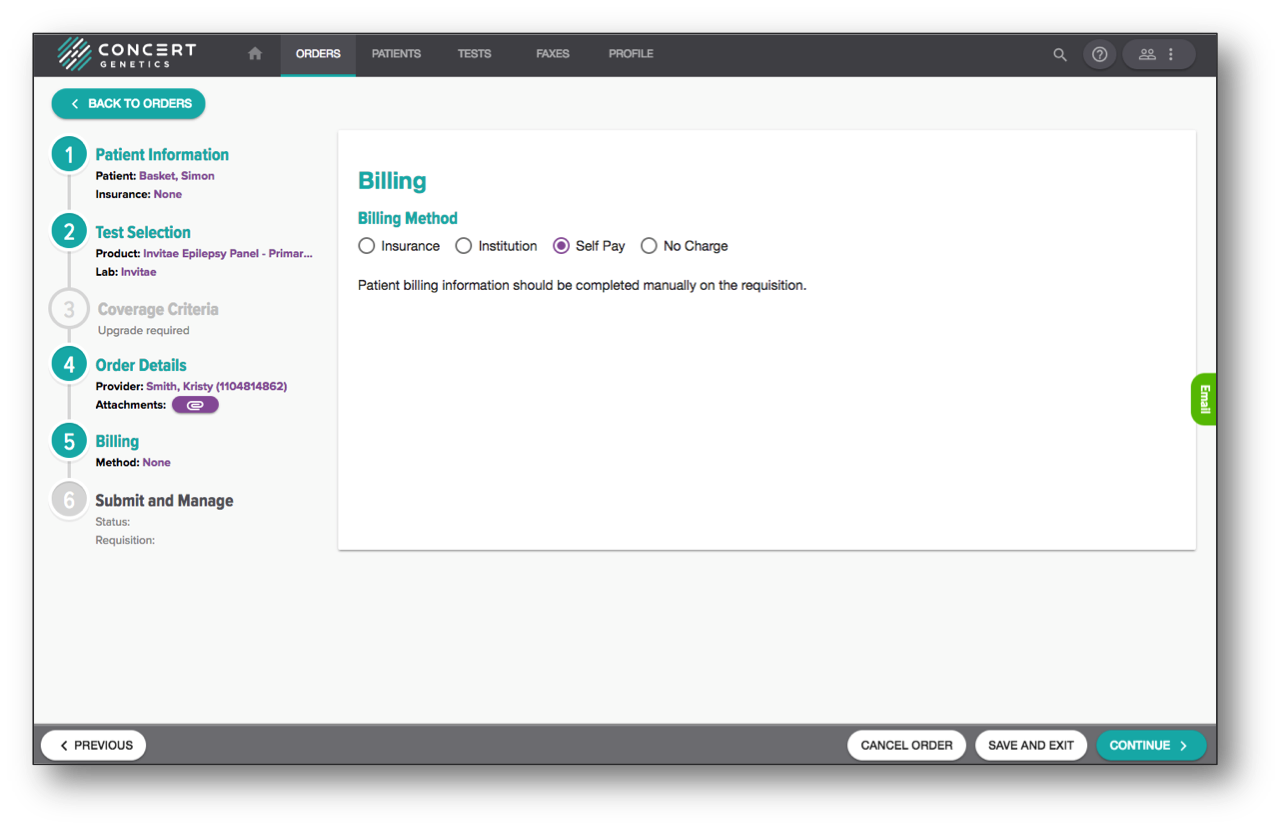
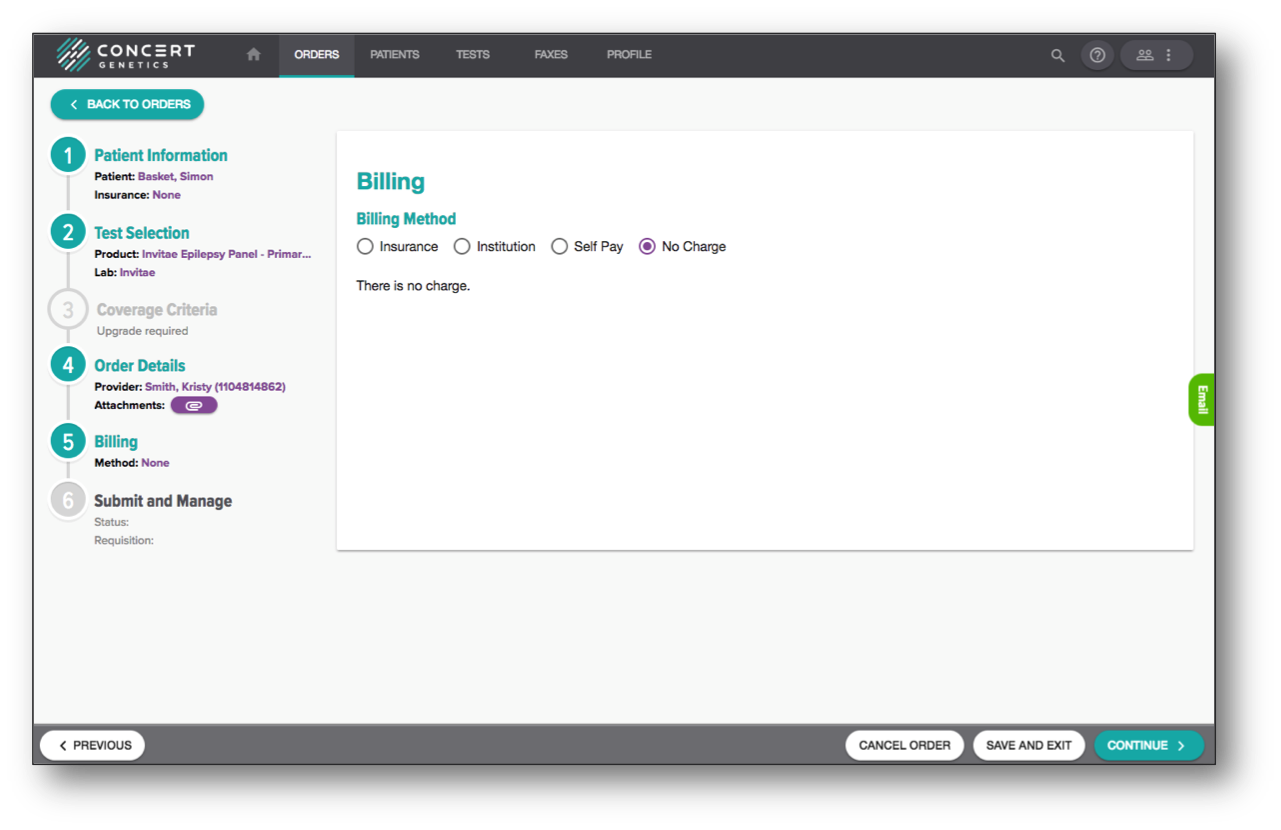
For tests where the laboratory is not billing your institution or the patient's insurance for the test order, you can select the 'No Charge' option, which will enable you to filter out those tests when analyzing the data within the Administrative Reports.