Data Export
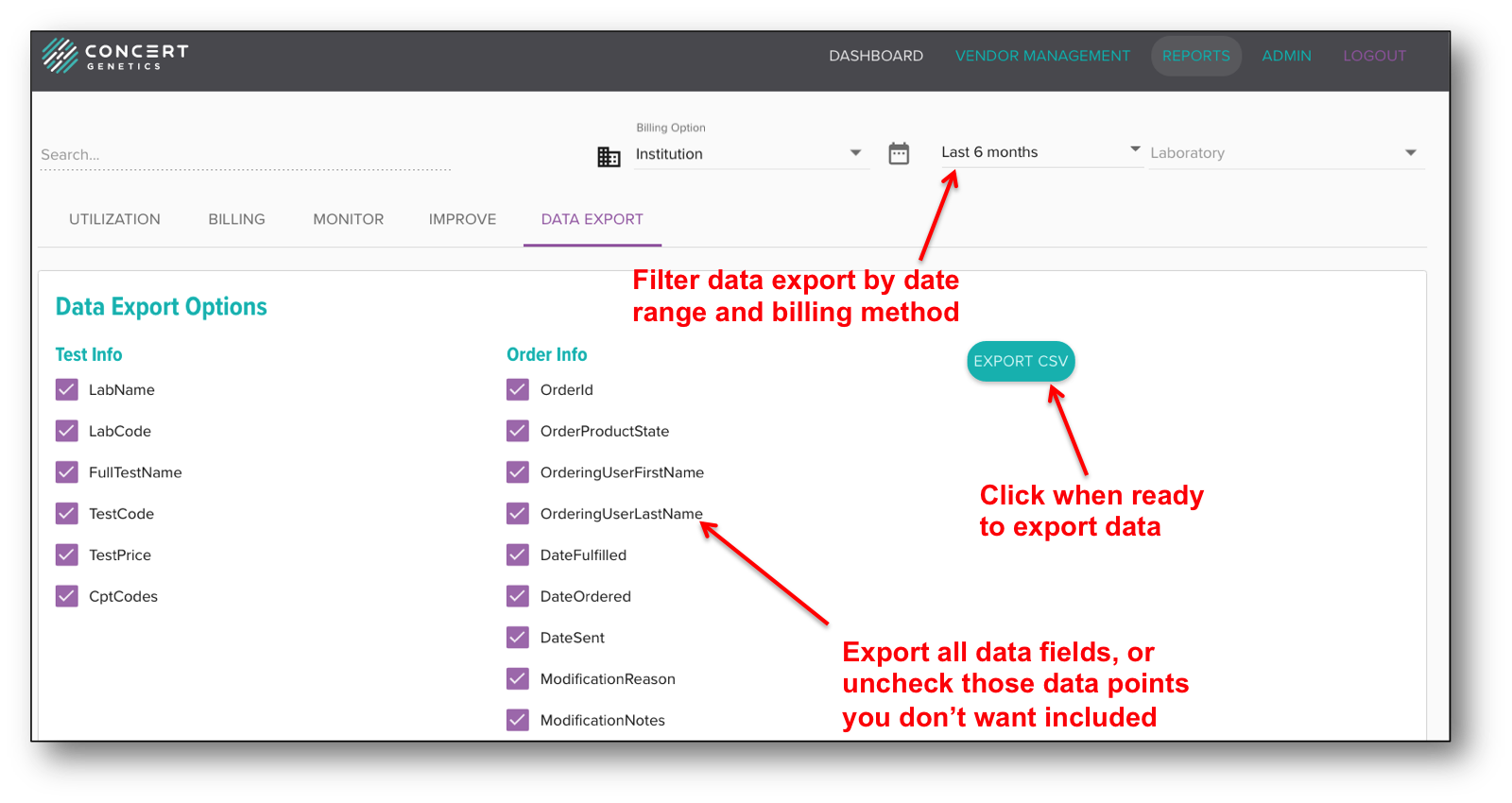
The Data Export feature gives Administrators the ability to download all available test and order information. To export order data for a specific time period or billing method, update the billing and time range filters to the preferred setting. Then, to export the data, select the fields you wish to analyze and click the 'Export CSV' button. The CSV file should open automatically in an appropriate viewer.