Unarchiving Results
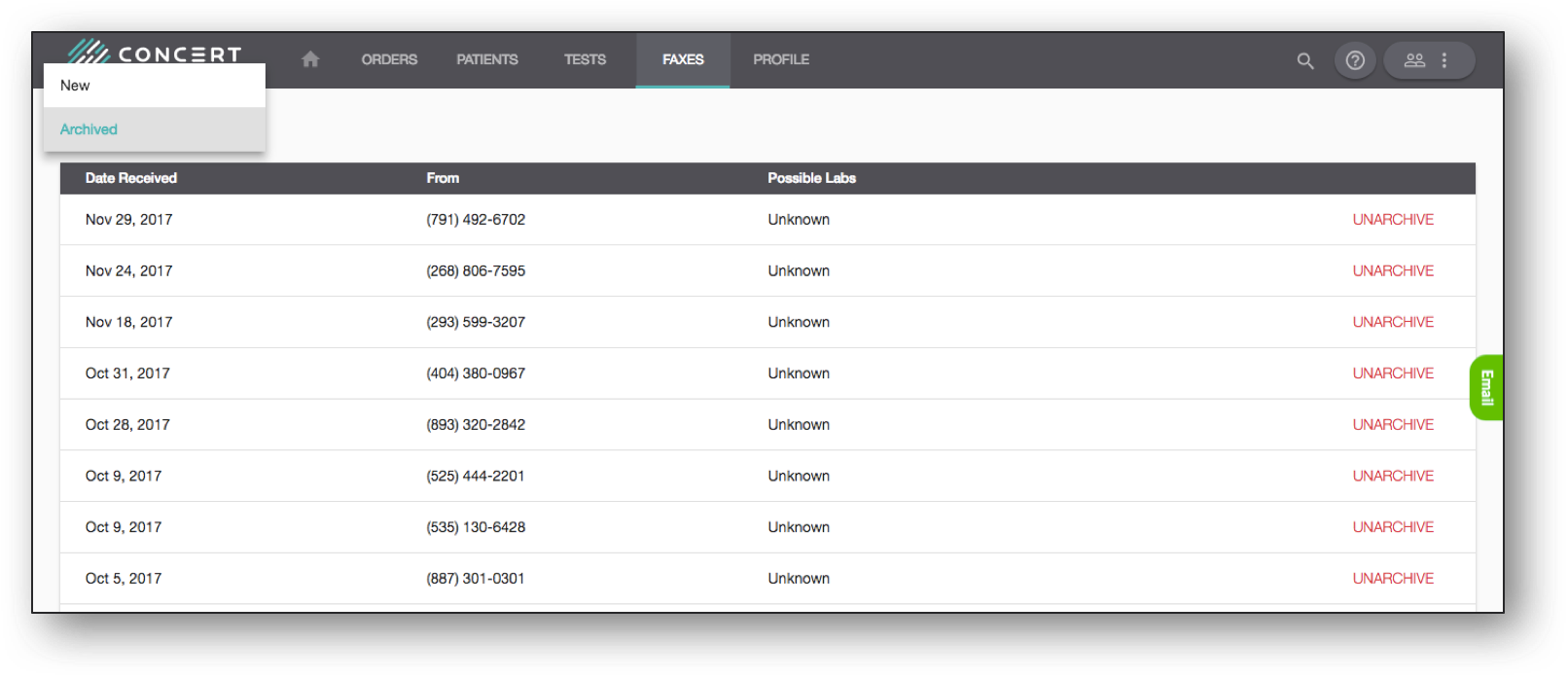
To access an archived test result, under the Faxes Inbox, click on the dropdown and switch from Pending to Archived. Once in the Archived box, click the Unarchive button next to the specific result you wish to unarchive, and the result will be returned to the Pending inbox.